
SEO
Local SEO for Small Businesses: How to Attract Nearby Customers in 2026
Local SEO helps small businesses improve their visibility when nearby customers search online for relevant products or s...
View More →
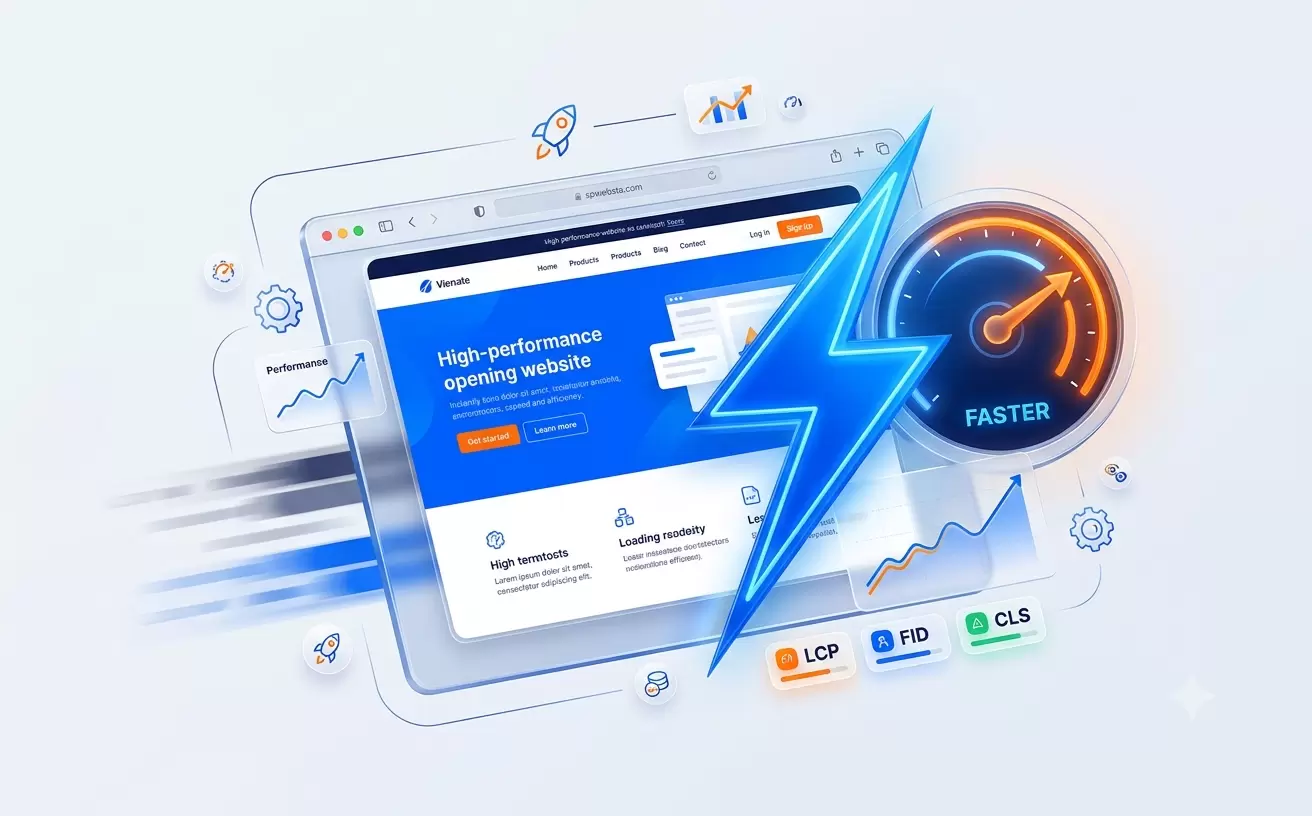
A website may look beautiful, offer excellent services, and contain useful information, but visitors can still leave if its pages take too long to load. In a world where people expect quick and convenient online experiences, website speed is an important part of building a successful digital presence.
Website speed optimization is the process of improving how quickly a website loads, responds to user actions, and displays its content. It involves optimizing images, reducing unnecessary code, configuring caching, improving server response time, and making pages work smoothly on mobile devices.
For businesses, a faster website can make it easier for visitors to browse services, read articles, compare products, and complete important actions. Speed alone cannot guarantee higher rankings or more sales, but it contributes to a better experience and supports your wider website strategy.
In this guide, Websminder explains practical website speed optimization techniques that business owners, bloggers, and website managers can use in 2026.
Website speed optimization means improving a website's loading performance and responsiveness without compromising its functionality, design, or content quality.
A website does not necessarily become fast simply because its homepage opens quickly on your computer. Performance can vary depending on the visitor's device, internet connection, browser, location, and the page being viewed.
Effective optimization looks at the complete experience: how quickly the main content appears, how soon the page responds to interaction, and whether the layout remains stable while loading.
Before making changes, it helps to understand Google's Core Web Vitals. These metrics assess important aspects of real-world page experience.
LCP measures how quickly the largest visible content element, such as a prominent image or heading, appears in the viewport. A good LCP result is 2.5 seconds or less.
To improve LCP, optimize the main image, reduce server response delays, avoid loading important content too late, and ensure that critical resources can be discovered quickly.
INP measures how responsive a page is when visitors interact with it, such as clicking a button, opening a menu, or using a form. A good INP result is 200 milliseconds or less.
Heavy JavaScript, long-running tasks, and unnecessary third-party scripts can delay responses. Reducing excessive JavaScript and breaking up long tasks can help improve responsiveness.
CLS measures unexpected layout movement while a page is loading. For example, text may suddenly move down when an image or advertisement appears without reserved space.
A good CLS score is 0.1 or less. Add width and height attributes to images, reserve space for embedded content, and avoid inserting unexpected elements above content that visitors are already reading.
These thresholds are evaluated at the 75th percentile of page visits, separately for mobile and desktop. Use field data where available instead of judging performance from a single test alone.
Before changing your website, run a performance test to identify the biggest problems. Testing helps you focus on improvements that matter instead of making random changes.
Google PageSpeed Insights provides performance information for mobile and desktop, along with suggestions for improving loading speed and responsiveness.
Visit Google PageSpeed Insights, enter your website URL, and run the test. Review both the performance diagnostics and Core Web Vitals information when available.
Your homepage may perform well while a service page, blog article, product listing, or checkout page remains slow. Test several important URLs to identify problems across the website.
Record the initial results before making changes. After each major optimization, test again and compare the results. This approach helps you understand which changes actually improve performance.
Large image files are a common cause of slow-loading pages. High-resolution photos, banners, portfolio images, and product pictures can consume unnecessary bandwidth when they are much larger than their display size.
For example, a portfolio page containing ten uncompressed, oversized images may require far more data than necessary. Resizing and compressing those images can reduce page weight while preserving the visual quality visitors expect.
Remember to add meaningful alternative text to informative images for accessibility and to use descriptive file names where practical. These steps support accessibility and content organization, although they do not directly guarantee a speed improvement.
0 Comments
Be the first person to share your thoughts.
Your email address will not be published.
Local SEO helps small businesses improve their visibility when nearby customers search online for relevant products or s...
View More →
In today's digital-first world, having a professional website is no longer optional. Discover the top 10 reasons why eve...
View More →
Discover 20 proven WordPress SEO tips for 2026 to improve Google rankings, increase organic traffic, optimize Core Web V...
View More →
Whether you're launching a new business, redesigning your website, or expanding your online presence, Webs Minder is here to help. Let's build a high-performing digital solution that drives real business growth.